
PC gaming enthusiasts have endured a punishing hardware climate marked by premium solid-state drive prices and relentless hardware constraints. While players routinely prepare their rigs for hefty launch downloads, the upcoming high octane wuxia title Phantom Blade Zero has pushed community endurance to a critical threshold. The development team at S-Game detailed what it takes to queue up the action title ahead of launch, sending shockwaves across performance enthusiast forums worldwide. Rather than a routine background download, the game demands an astonishing storage reserve that fundamentally reshapes expectations for digital preloads.
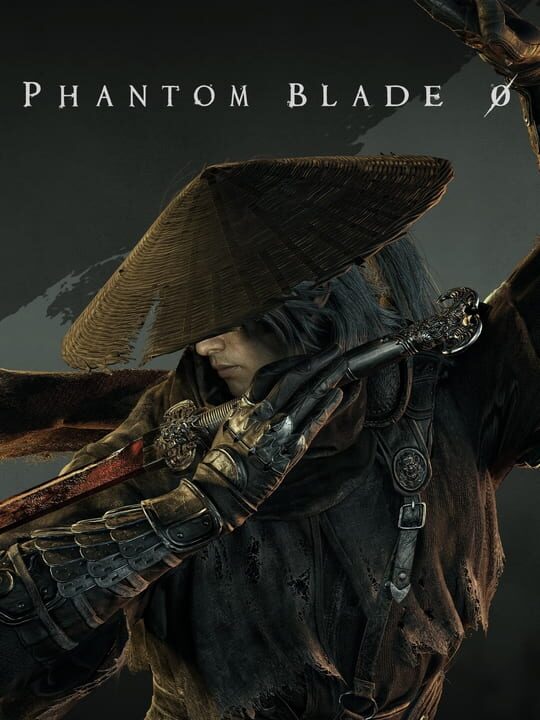
▲ Official Cover Art (Source: IGDB)
The Unpack Bottleneck and the Staggering 300GB Footprint
According to the official preload guide and system requirements released by S-Game, players targeting early access through preload channels must ensure a massive 300GB of unallocated space exists on their designated drive. The actual target footprint of the finished game settles at roughly 145GB upon full deployment, meaning users must clear out more than double the game volume simply to execute the installation routine. The studio explained that the bloated staging requirement stems directly from the unpack process, during which encrypted archives and fully unpacked asset caches must reside concurrently on the local disk. Once the launch decryption finishes and verification checksums clear, the temporary files are automatically pruned to leave the final 145GB footprint behind.
For gamers operating dedicated 1TB or even 2TB high speed drives, sacrificing 300GB for a single title is an excruciating operational compromise. High performance NVMe drives are rarely maintained with hundreds of gigabytes sitting completely idle, especially given how modern operating systems rely on storage headroom for cache buffering and wear leveling algorithms. Requiring a 300GB staging buffer effectively forces players to cannibalize active game rotations, delete curated mod lists, or invest in supplementary storage modules just to play on day one.
| Storage Metric | Technical Specification |
|---|---|
| Final Installation Footprint | Approximately 145GB |
| Preload Staging Space Required | 300GB Unallocated Capacity |
| Storage Drive Requirement | Solid-State Drive (SSD) Mandatory |
| Engine Technology Base | Unreal Engine 5 Core Pipeline |
| Post-Unlock Storage State | Drops to 145GB after temporary file purge |
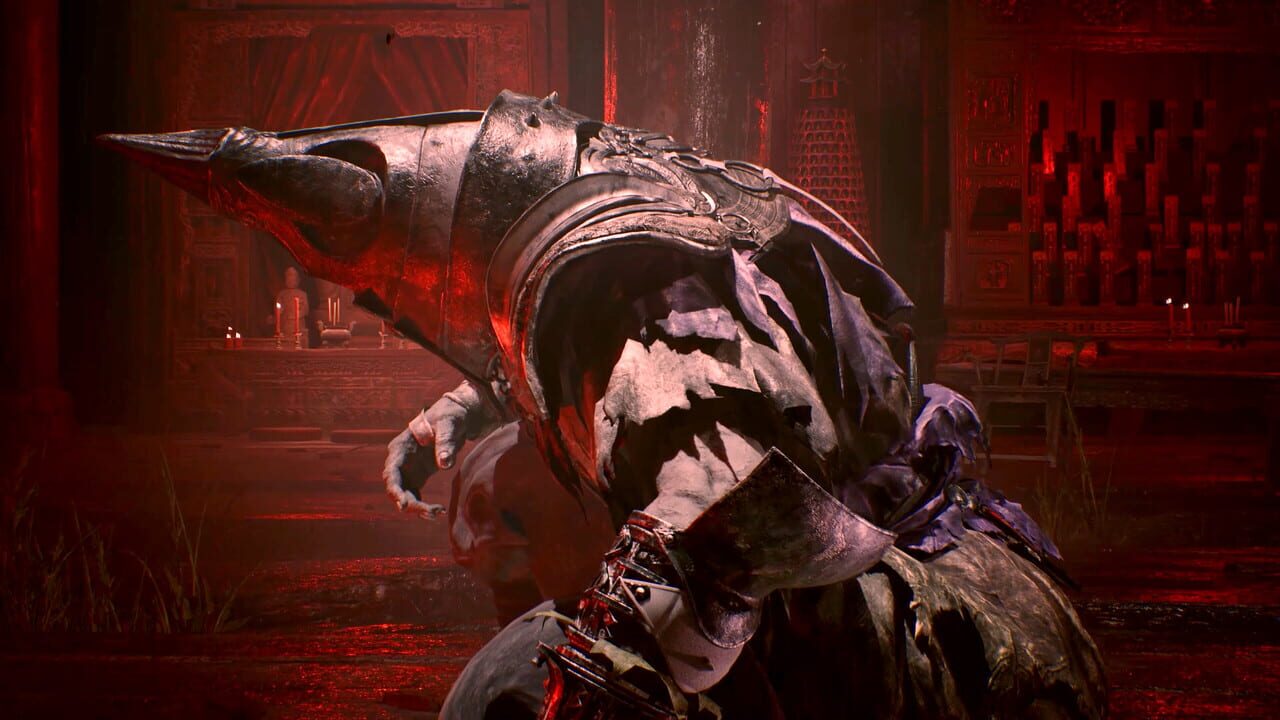
▲ Gameplay & Official Media (Source: IGDB)
Unreal Engine 5 Packaging and Drive Write Degradation
Looking closely at the technical parameters of Phantom Blade Zero, the requirement stems primarily from the underlying packaging quirks inherent to modern Unreal Engine 5 deployments. The engine handles high fidelity nanite meshes, layered soundscapes, and massive 4K wuxia asset streams through dense compression pak formats. When these encrypted pak archives download during a preload window, client platforms cannot perform on the fly patching without staging the raw uncompressed data alongside the original depot containers. The result is an explosive data ballooning phase that tests the limits of client side storage architecture.
Beyond the logistical headache of clearing physical disk sectors, this decompression dynamic places considerable thermal and endurance stress on consumer solid-state drives. Writing and subsequently deleting over 150GB of temporary staging data in a single burst triggers prolonged sequential write cycles that can saturate standard SLC drive caches. On drives that are already nearing total operational capacity, forcing a 300GB allocation creates severe write amplification scenarios that degrade drive endurance and induce system wide thermal throttling during installation.
Storage Allocation Trade-offs for Day One Players
Navigating this massive digital payload forces PC players to evaluate whether preloading provides any genuine logistical advantage over standard launch day downloading. For enthusiasts setting up their drives for Phantom Blade Zero, the realization that downloading uncompressed assets on launch day might save massive drive headaches has completely altered community preparations.
- Massive Preload Overhead: Reserving 300GB of active solid-state drive space forces the deletion of multiple modern titles just to complete launch decryption.
- Severe Write Churn: Writing double the game size introduces unnecessary drive write wear, which could otherwise be bypassed via streamlined day one streaming.
- Bandwidth versus Drive Economy: Gamers with gigabit internet connections are actively better off skipping the preload phase entirely to avoid the prolonged decompression lockup.
- Unforgiving SSD Mandate: Legacy mechanical drives are entirely locked out of support, removing any budget alternatives for offloading staging files.
Ultimately, the deployment of Phantom Blade Zero reflects an increasingly friction heavy ecosystem where storage demands outpace everyday consumer hardware configurations. As high fidelity visual assets become standard across contemporary action adventures, developers must prioritize decompression efficiency rather than shifting the burden of brute force temporary caching onto the player wallet.
📌 Frequently Asked Questions (FAQ)
Q. Why does Phantom Blade Zero require 300GB of free space for preloading?
A. During the preload unlock process, the encrypted download files and the uncompressed game files must exist simultaneously on the drive. Once the verification is complete, temporary files are removed.
Q. What is the actual final install size of Phantom Blade Zero?
A. After the installation and unlocking procedure completes, the game occupies approximately 145GB of storage space.
Q. Is an SSD strictly required to install Phantom Blade Zero?
A. Yes, an SSD is mandatory according to official system requirements due to the rapid asset streaming and high decompression demands of Unreal Engine 5.
The Escalating Cost of Brute Force Decompression
The 300GB requirement for Phantom Blade Zero highlights a breaking point in modern PC asset distribution pipelines. Shifting local unpack overhead onto player storage drives without dynamic memory streaming creates needless operational hurdles for the community. Moving forward, studios must overhaul their packaging algorithms to ensure premium graphical fidelity does not come at the expense of impossible drive management.
Final Pulse Score: ⭐⭐⭐☆☆